– is an Android application that automatically backs up photos and videos to Telegram using a Telegram Bot. It provides a lightweight and reliable way to synchronize media from your Android device directly to Telegram Cloud, making it an alternative cloud backup solution without requiring additional storage services.
Features
Telegram Integration
- Connects to Telegram using your own Bot.
- Supports sending media to private chats, groups, channels, and Forum Topics for organized backups.
- Automatically creates a dedicated topic for each device in supported Telegram groups.
Smart Device Registration
When a device is connected, TeleDrop sends a registration message containing:
- Device name
- Android version
- Public IP address
- Approximate location
- Clickable Google Maps link
- Registration timestamp
Modern Material 3 Experience
- Material 3 UI
- Dynamic color support
- Smooth animations and transitions
- Interactive buttons and components
- Responsive Compose interface
Flexible Backup Scheduling
Choose how backups are performed:
- Instant Sync when new photos are added
- Every 15 minutes
- Every 30 minutes
- Hourly
- Daily
- Manual sync
Smart Folder Management
- Automatically detects:
- Camera
- Downloads
- Screenshots
- Enable or disable sync per folder
- Add custom folders from anywhere on the device
Network Controls
- Wi-Fi Only mode
- Prevents uploads over mobile data
Reliable Background Sync
Uses Android WorkManager to continue uploads even when the app is closed or running in the background.
Quick Access
- Quick Settings Tile for one-tap synchronization
- Home Screen Widget for instant sync
Screenshots
| Setup | Home |
|---|---|
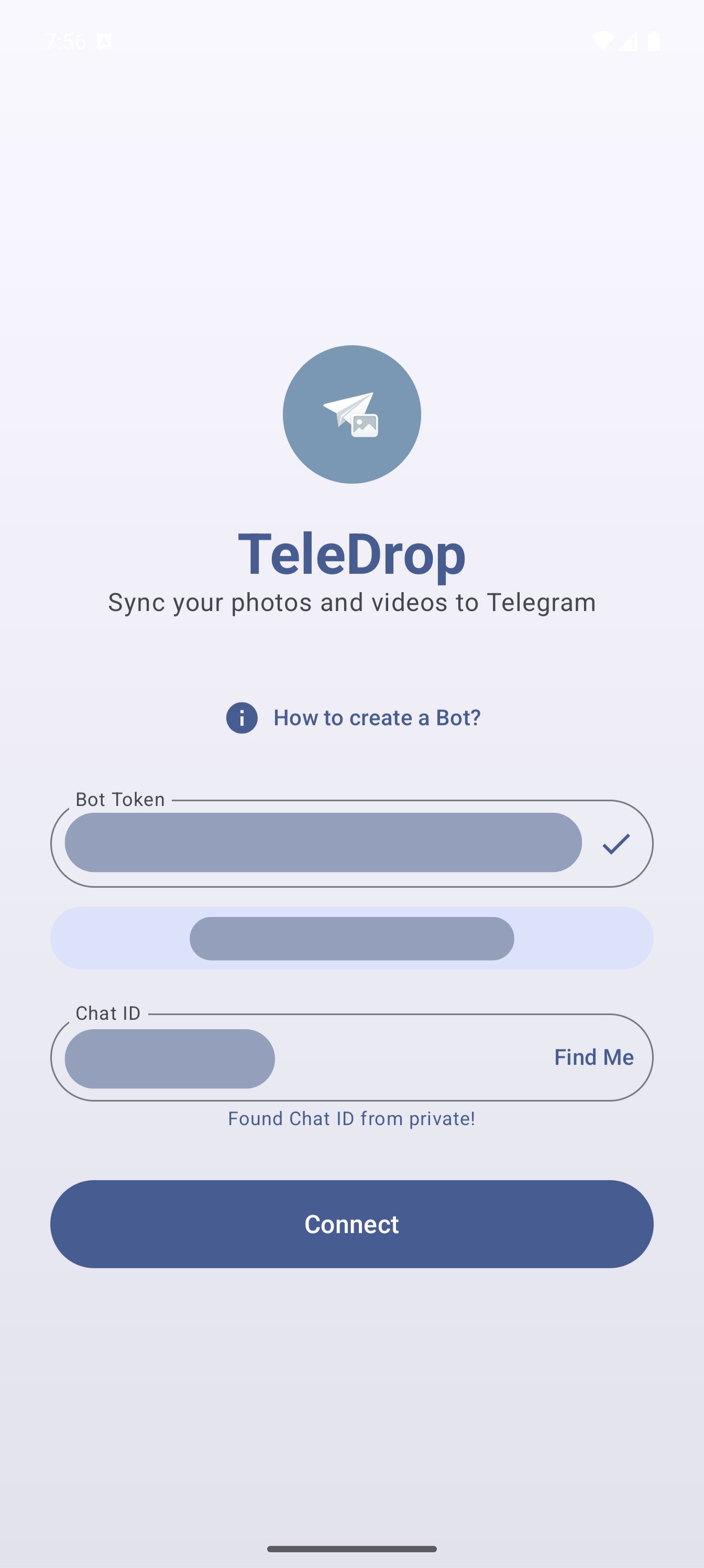 | 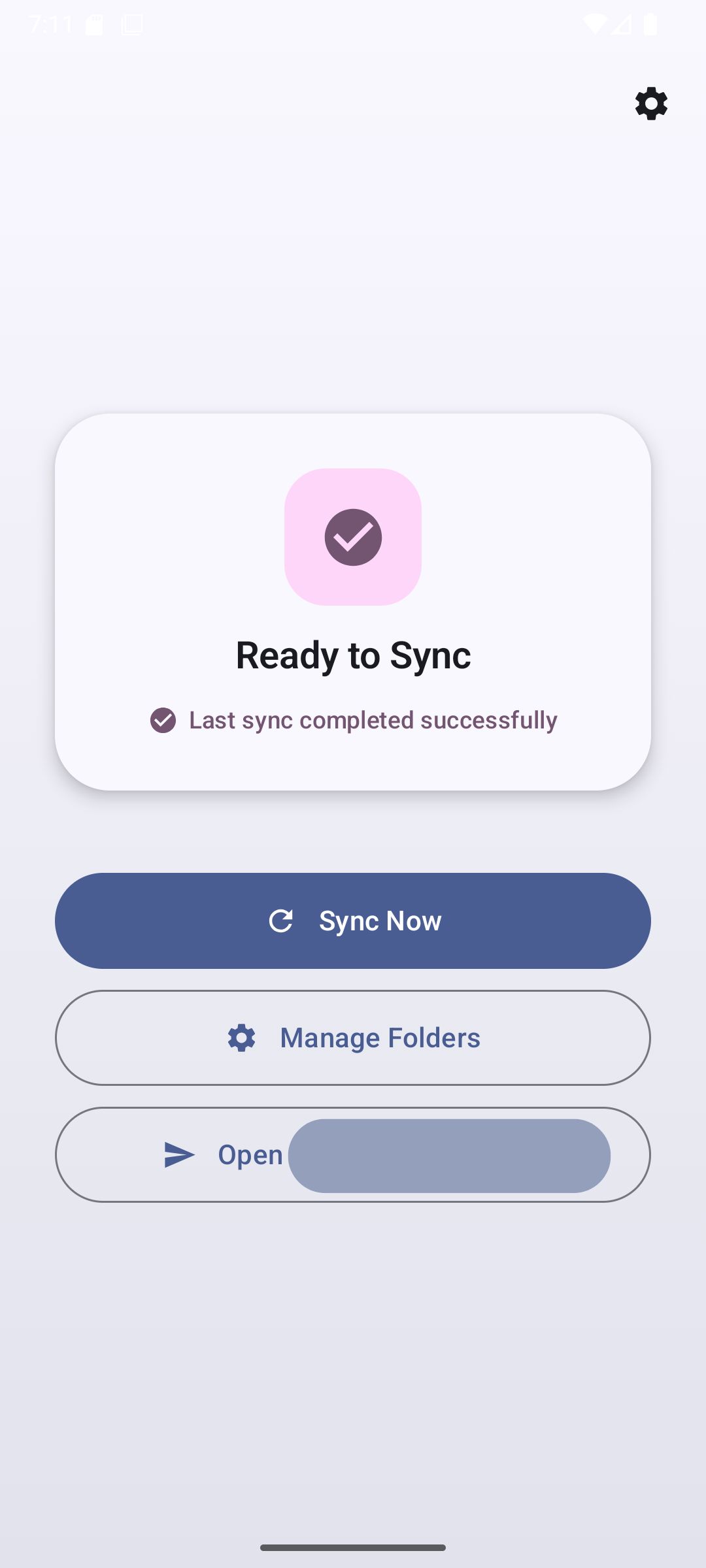 |
| Folder Selection | Settings |
|---|---|
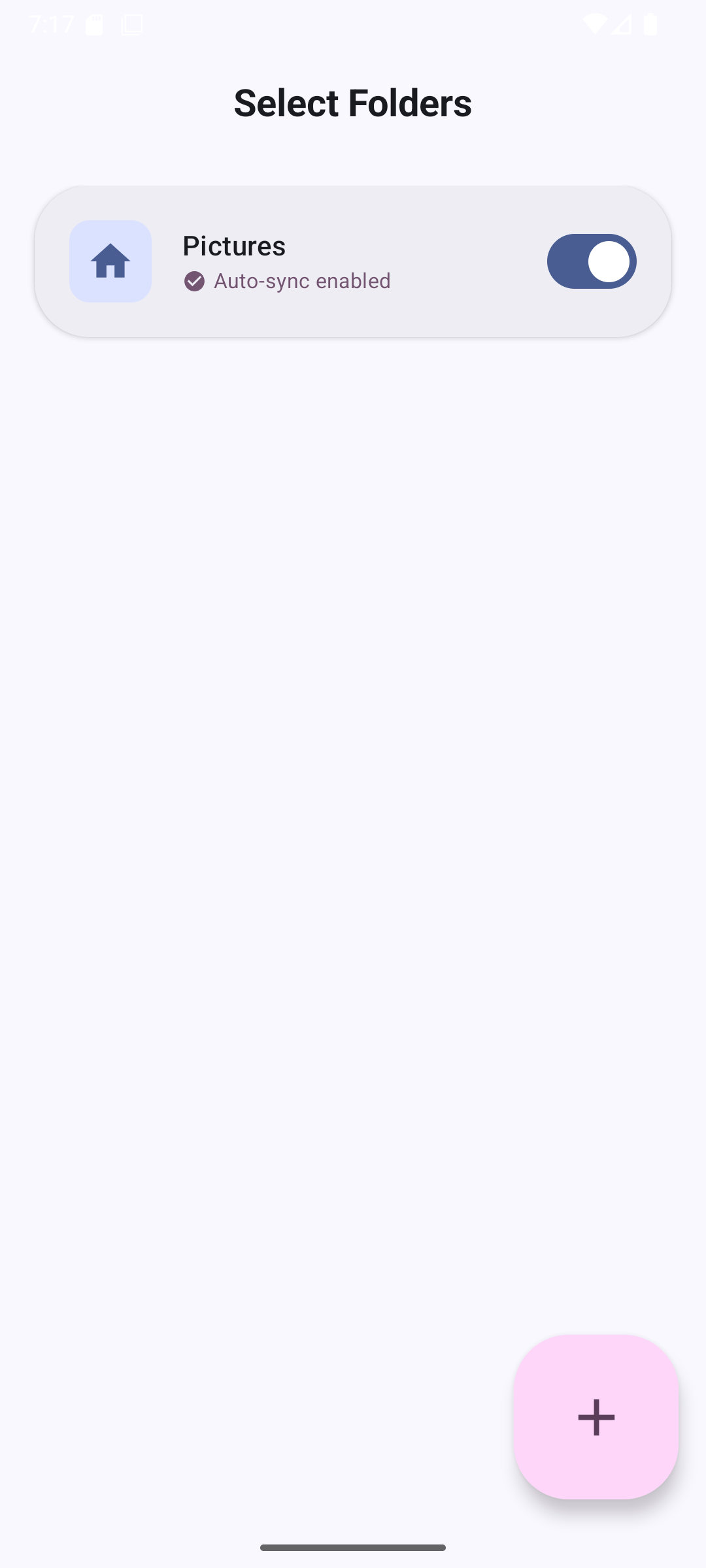 | 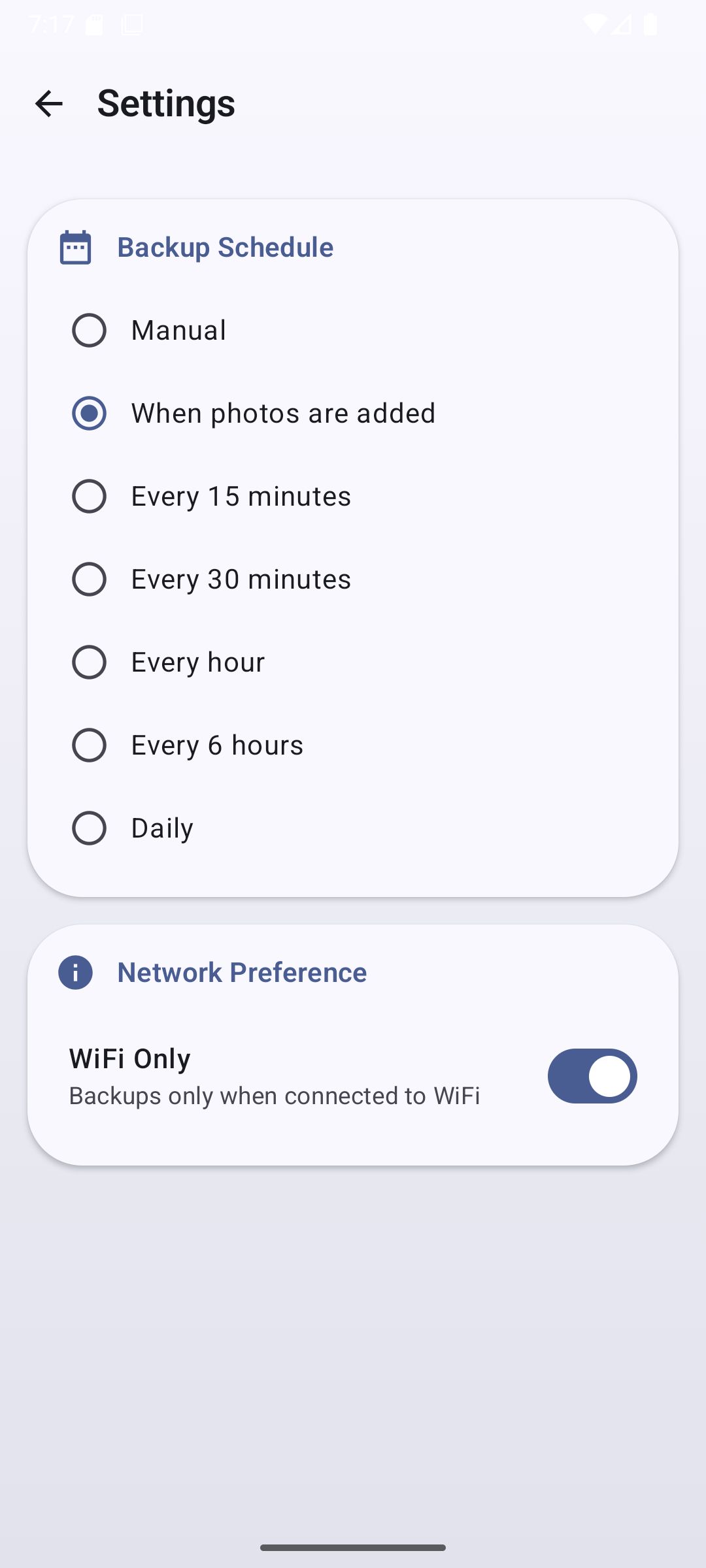 |
Tech Stack
- Language: Kotlin
- UI: Jetpack Compose (Material 3)
- Networking: Retrofit + OkHttp
- Background Tasks: WorkManager
- Concurrency: Kotlin Coroutines
- Database: Room
- Preferences: DataStore
- Image Loading: Coil
Requirements
- Android 7.0 (API 24) or newer
- Telegram account
Installation
1. Clone the repository
git clone https://github.com/rrrainielll/TeleDrop.git
2. Open the project
Open the project in Android Studio Ladybug or newer.
3. Sync Gradle
Allow Gradle to download the required dependencies.
4. Build
Run the project on a physical Android device or emulator.
Initial Setup
Create a Telegram Bot
- Open Telegram.
- Search for @BotFather.
- Run:
/newbot- Follow the prompts.
- Save the generated Bot Token.
Configure TeleDrop
- Launch TeleDrop.
- Paste the Bot Token.
- Send
/startto your bot in Telegram. - Tap Find Me inside TeleDrop.
- The app retrieves your Chat ID and verifies the connection.
If Topics are enabled in your Telegram group, TeleDrop automatically creates a dedicated thread for the device.
Grant Permissions
Allow the requested media permissions so TeleDrop can access and synchronize your files.
Usage
Manual Sync
Open the app and tap Sync to immediately upload pending media.
Automatic Backup
Configure automatic synchronization from Settings.
Available schedules include:
- Instant when photos are added
- Every 15 minutes
- Every 30 minutes
- Hourly
- Daily
Quick Settings Tile
Add the TeleDrop Sync tile from Android's Quick Settings panel for one-tap synchronization.
Home Screen Widget
Place the TeleDrop widget on your home screen to start syncing without opening the app.
Contributing
Contributions are welcome.
- Fork the repository.
- Create a feature branch.
- Commit your changes.
- Push the branch.
- Open a Pull Request.
License
This project is licensed under the MIT License.
See the LICENSE file for more information.